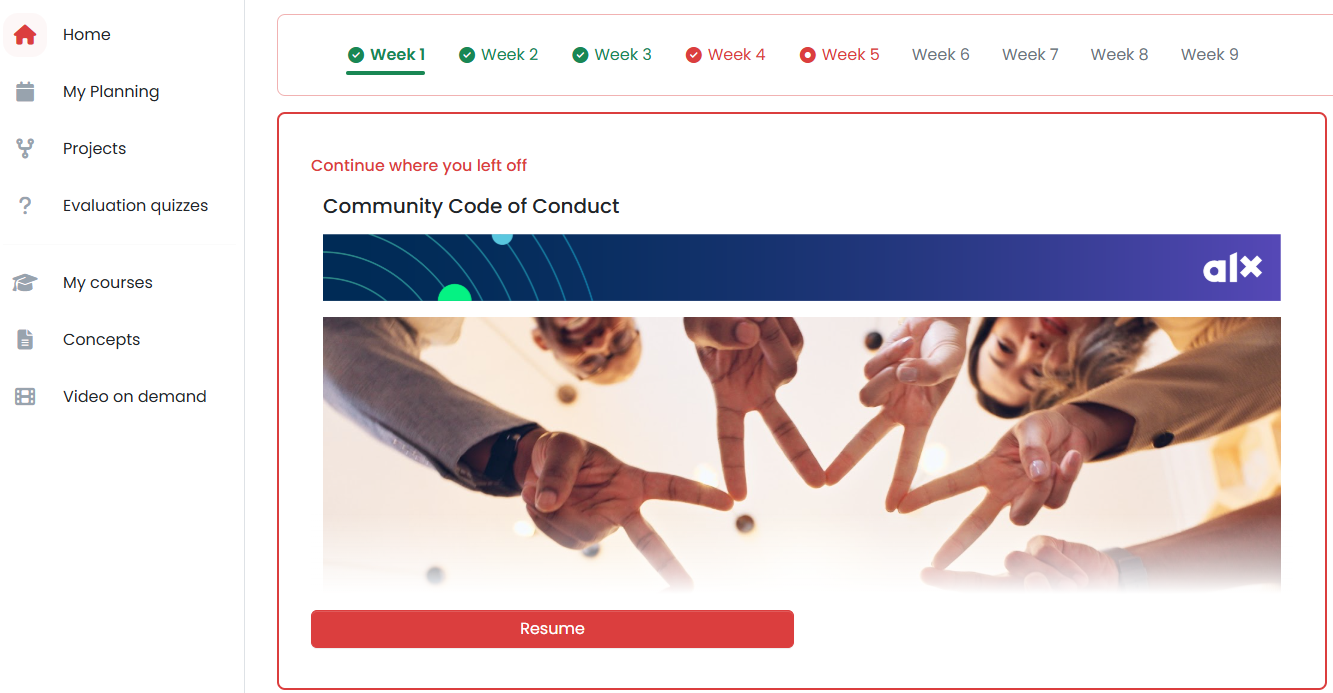
Go to the 'Home' section, then use the Dashboard/Progress Bar at the top to navigate between weeks. Click ‘Resume’ to continue where you left off.

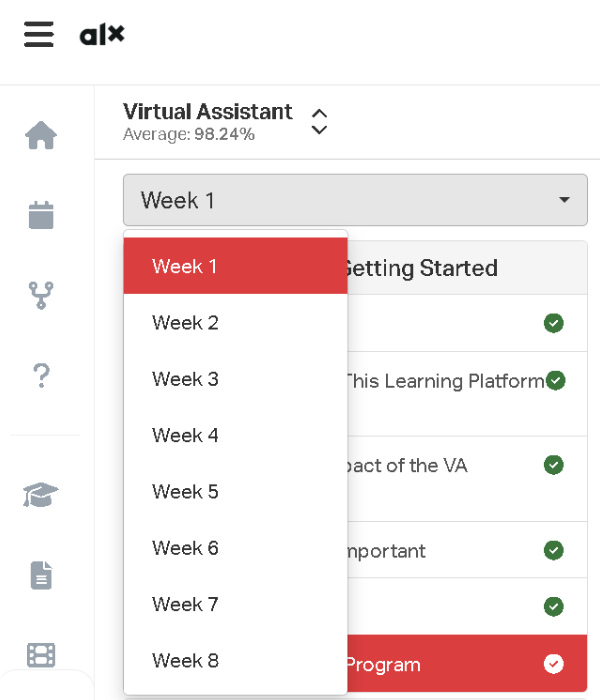
Navigate to the 'Projects' section and select the relevant materials for the current week. You can also use the dropdown menu to switch between weeks.

Was this article helpful?
That’s Great!
Thank you for your feedback
Sorry! We couldn't be helpful
Thank you for your feedback
Feedback sent
We appreciate your effort and will try to fix the article