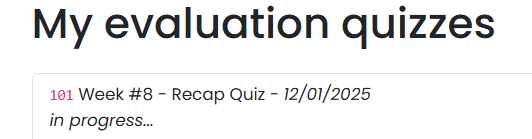
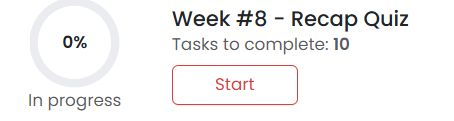
If your quiz status shows “In Progress,” it means your submission was not fully completed.
How to fix it:
Go back to the specific week where the quiz is located.
Click on the Quiz module.
Ensure you submit each question as you answer them.
At the end, make sure you click the final “Submit” button so your score is properly registered and updated.
Once this is done, your quiz status will update automatically.
Was this article helpful?
That’s Great!
Thank you for your feedback
Sorry! We couldn't be helpful
Thank you for your feedback
Feedback sent
We appreciate your effort and will try to fix the article